
Monerowallet.
Send and receive XMR on your phone or computer, with Monero’s privacy built into every transaction.
Download Freedom Wallet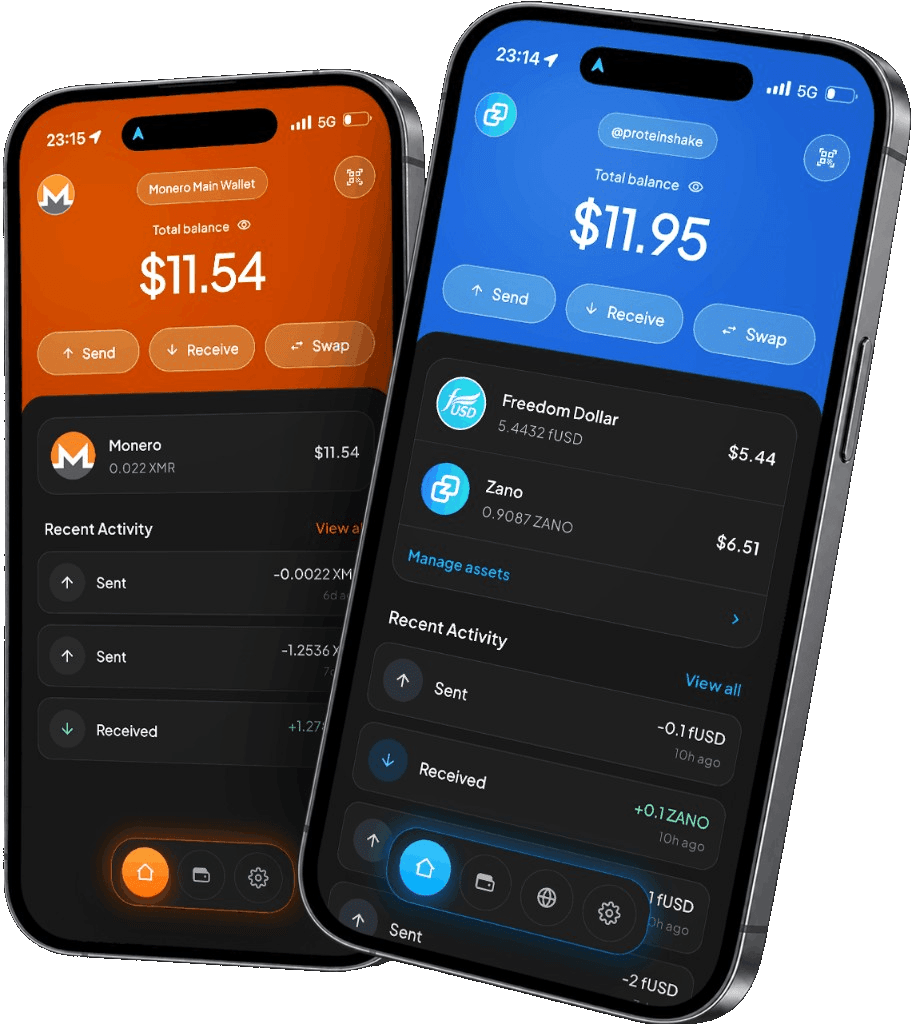
iPhone, Android, macOS, Windows & Linux
Network and fee detailsWhy Monero?
Monero makes transaction privacy the default. Every ordinary XMR payment conceals the sender, recipient and amount on the blockchain, making it useful for personal payments, purchases and donations where financial privacy matters.
You can share a receive address while keeping your balance and payment history off public view. The same privacy rules apply to everyone using the network.
In Freedom Wallet
Your Monero wallet, without a full node.
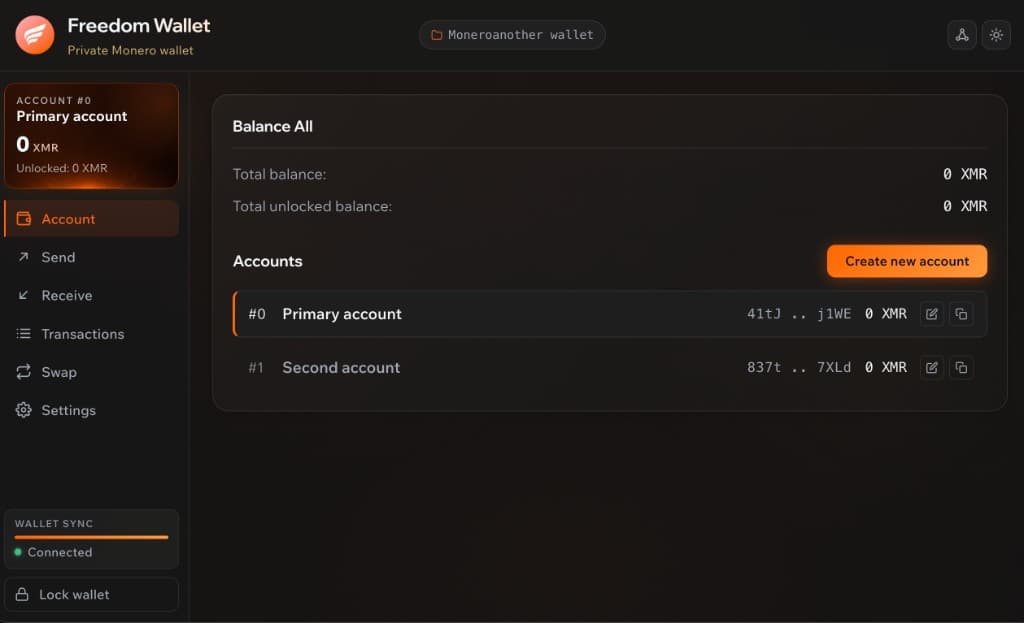
Freedom Wallet lets you hold XMR, share a receive address and review outgoing payments before you send. Your balance and transaction history are available in the app on your phone or computer.
The wallet uses a remote node, so you do not have to store the full Monero blockchain. It still needs to scan the relevant history when you restore. Keep the app connected while it catches up; a balance that has not finished syncing is not the final balance.
- Receiving XMR
- Share a Monero address or its QR code. The sender needs to use the Monero network, including when withdrawing from an exchange.
- Available balance
- A confirmed payment can still need time to unlock before you can spend it. Check the wallet’s unlocked balance.
- Fees in XMR
- Monero network fees are paid in XMR. Review the fee and final amount on the send confirmation screen.
Before you send
Restoring means scanning your history.
If you know when your Monero wallet was created, the optional restore date can reduce the history to scan. Choose a date before its first transaction. A date that is too recent can leave older payments out of the initial scan.
Learn about Monero’s privacyBring your XMR into Freedom Wallet
Create or restore Monero
Choose Monero in the app. Create a new wallet, or use a compatible Monero recovery phrase to restore your existing one.
Let the wallet sync
Keep it connected to its node while it scans. For a restore, use the creation date if you know it.
Receive, then check
Use your receive address for a first payment. Check both the confirmed and unlocked balance before spending.
Monero questions
Does Freedom Wallet download the full Monero blockchain?
Why is some of my XMR locked?
Does a private blockchain hide everything I do?
Can I use the same Monero wallet on desktop?
Get your Monero wallet.
Download Freedom Wallet for your phone or computer. Free to download; network and provider fees may apply.