Zcashwallet.
Use shielded Zcash on your phone, with address choices and payment details you can check before sending.
Get the mobile wallet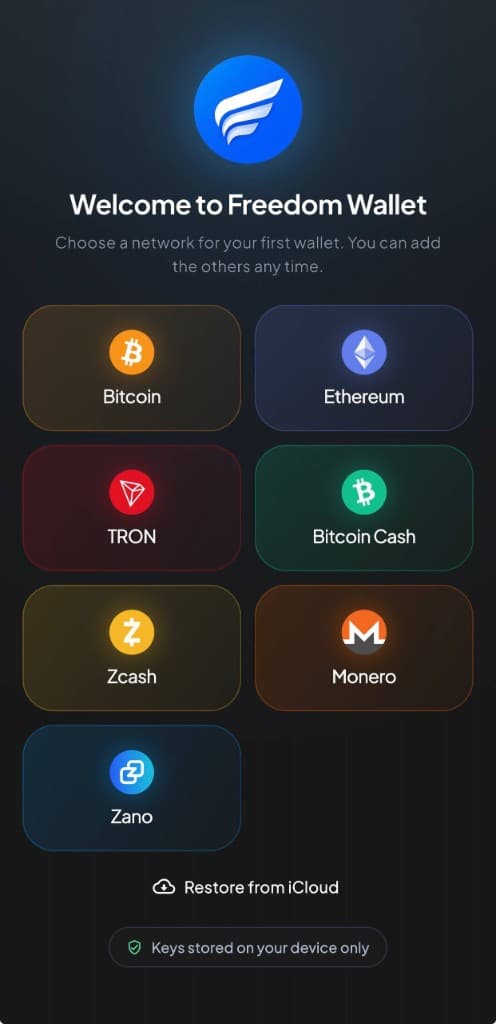
iPhone & Android
Mobile support and network detailsWhy Zcash?
Zcash combines digital payments with privacy based on zero-knowledge proofs. A fully shielded ZEC transfer keeps the sender, recipient and amount private on the blockchain.
Encrypted memos let you include a note for a shielded recipient, such as an invoice reference or a thank-you with a donation. The payment and its context arrive together, with the memo protected from public view.
In Freedom Wallet
Shielded and transparent are different choices.
Freedom Wallet supports Zcash on iPhone and Android, including unified, Sapling and transparent receive addresses. You can send shielded payments, include an encrypted memo for a shielded recipient and shield eligible transparent funds inside the wallet.
A transparent Zcash transaction exposes details on the public ledger. Shielded transfers protect those details, but sending to a transparent recipient exposes the transparent side. Check the recipient’s address type and the transaction review instead of assuming every ZEC payment is private.
- Receive addresses
- Choose an address the sender supports. Unified addresses can carry different receiver types, so the sender’s wallet also affects how a payment is sent.
- Encrypted memos
- Memos are available for shielded recipients. Do not put a recovery phrase or other wallet secret in any transaction memo.
- Shielding funds
- The wallet can move eligible transparent funds into its shielded balance. This is a network transaction with a ZEC fee; it does not erase the earlier transparent history.
Before you send
Leave ZEC for the network fee.
Sending and shielding both need network fees. Review the amount, address type and fee before confirming. Synchronization and confirmations can take time, particularly after a restore. Freedom Wallet’s Zcash support is currently mobile only.
Learn about shielded and transparent ZcashStart with a Zcash wallet on your phone
Choose Zcash
Install the iPhone or Android app, then create a Zcash wallet or restore a compatible Zcash recovery phrase.
Choose how to receive
Open Receive and check which address type the sender accepts. Prefer a supported shielded route when you need transaction privacy.
Review the payment type
For outgoing payments, check the destination, amount and fee. Use the shielding action for eligible transparent funds when appropriate.
Zcash questions
Are all Zcash transfers private?
Can I receive ZEC from an exchange?
Does Freedom Wallet support encrypted Zcash memos?
Is Zcash available in Freedom Wallet for desktop?
Get your Zcash wallet.
Download Freedom Wallet for iPhone or Android. Free to download; network and provider fees may apply.
Zcash is supported on mobile. The current desktop app does not include a Zcash wallet.