Solanawallet.
Keep SOL and SPL tokens such as USDC and USDT in a Solana wallet on your phone, and stake SOL from the same app.
Get the mobile wallet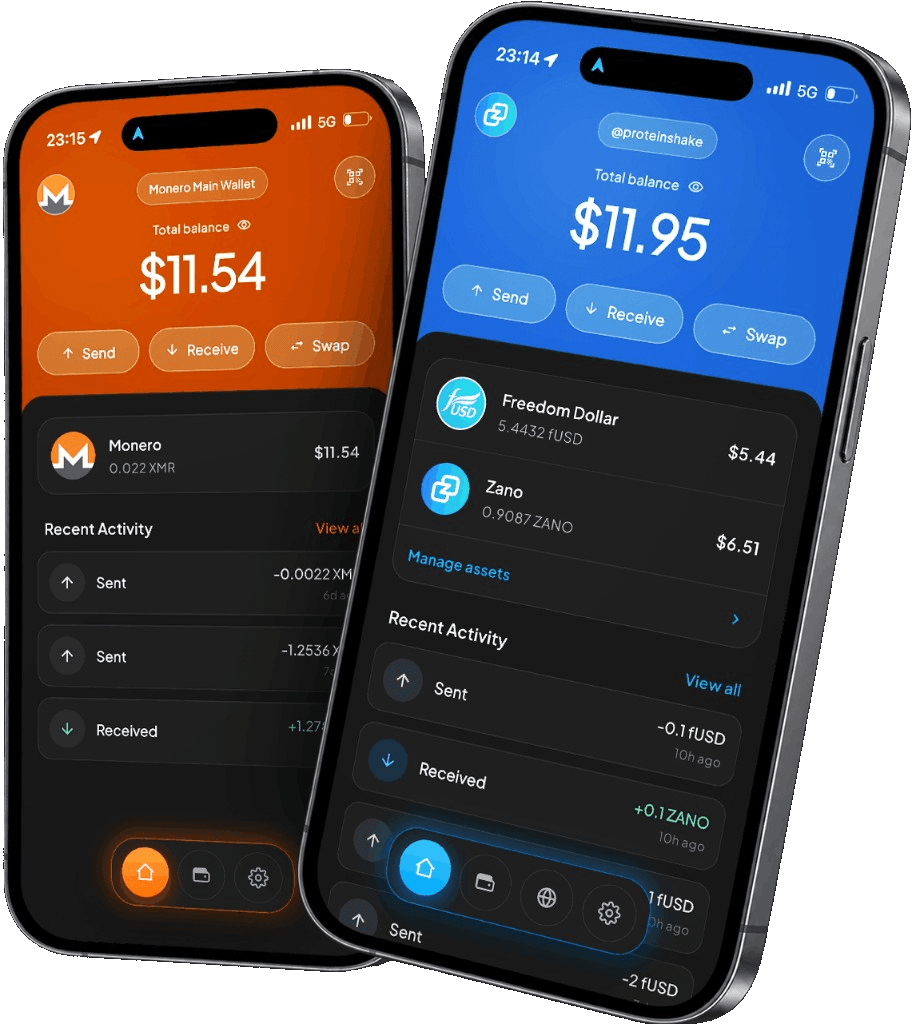
iPhone & Android
Mobile support and network detailsWhy Solana?
Solana is built for fast payments with low network fees. SOL is its native coin, and stablecoins such as USDC and USDT are issued on Solana as well, so dollars can move as quickly as SOL.
Many apps are built on Solana, from exchanges to marketplaces. SOL pays the fees for using them, and you can stake it with a validator to earn rewards.
In Freedom Wallet
Stake SOL without handing it over.
Create a Solana wallet in Freedom Wallet for iPhone or Android, or restore one with a recovery phrase from a wallet such as Phantom or Solflare. Hold SOL alongside USDC and USDT, add other SPL tokens by their mint address, and scan a Solana Pay transfer request to pay it.
Stake SOL with a validator you choose in the app. Your wallet keeps control of the stake account, so the validator never holds your SOL. A new stake starts earning when the current epoch ends. Unstaking takes up to about two days, and then you withdraw the SOL back to your balance.
- SOL for fees
- Solana charges its network fees in SOL, including for token transfers. Each wallet must also keep a small minimum balance of SOL, or none at all, so the first deposit to a new address has to cover it.
- Token accounts
- Sending a token to a wallet that has never held it includes a one-off SOL deposit that opens their account for that token. The review screen shows it before you confirm, and later sends skip it.
- dApps and WalletConnect
- Connect to Solana dApps in the mobile browser or over WalletConnect. The wallet shows how a transaction would change your balances and blocks requests that would give someone else control of your account or stake.
Before you send
Solana payments are publicly visible.
SOL transfers, token movements, stakes and dApp activity appear on Solana’s public ledger. Freedom Wallet does not make them anonymous. A memo that a Solana Pay request adds to your payment is public too.
Solana transaction fees explainedGet your Solana wallet ready
Select Solana on mobile
Download the iPhone or Android app and create a Solana wallet, or restore one from its recovery phrase.
Receive SOL first
Use the address from the Solana wallet and check that the sender has selected Solana. The first deposit must cover the minimum balance, and SOL pays the fees when you send tokens.
Review before you confirm
Check the recipient, the network fee and any account setup deposit. For a token, confirm its mint address against the issuer’s official information.
Solana questions
Can I hold USDC and USDT on Solana?
Can I stake SOL?
Can I restore a wallet from Phantom or Solflare?
Is the Solana wallet available on desktop?
Get your Solana wallet.
Download Freedom Wallet for iPhone or Android. Free to download; network and provider fees may apply.
Solana is supported on mobile. The current desktop app does not include a Solana wallet.